


Customer support management, ticket tracking
Zendesk Integration
Integration overview
💡 Cool ways to use Zendesk and Kommo
-
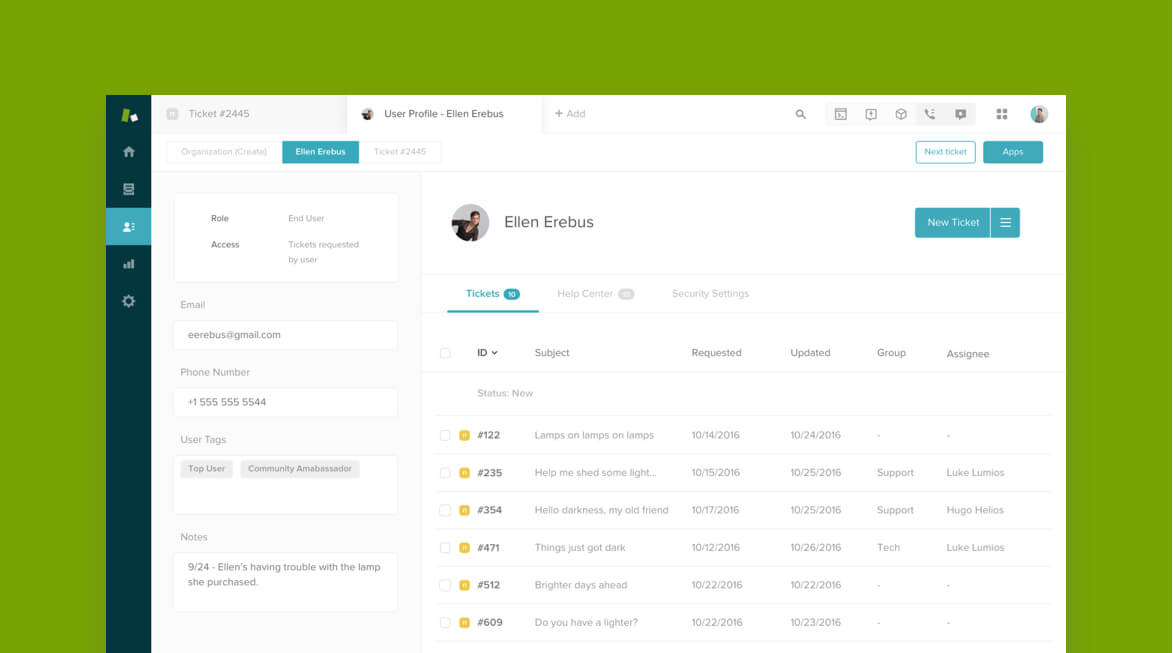
Instant ticket creation: Automatically create tickets in Zendesk from new leads or support requests in Kommo. -
Smart follow-ups: Trigger tasks or reminders in Kommo when ticket status changes, keeping your team proactive. -
Customer insights: Link tickets to leads for a complete view of interactions and history. -
Team performance tracking: Monitor response times, ticket resolution, and efficiency across your support team. -
Feedback loop: Automate post-resolution surveys to capture customer satisfaction and improve service quality.
❤️ Why do Kommo users love Zendesk?
🔌 How to connect Zendesk
-
In Kommo, go to Settings > Integrations > Zendesk . Create a Zendesk API token and paste it into Kommo’s integration window. Enter your Zendesk login email and subdomain. -
Click Install .
⚒️ What do you need
Kommo account (available on all plans, including the free trial period) Zendesk account (Fees may apply, contact the service for tariff details)
